
Professional UniFi installation for homes and businesses. Configured correctly.
Bulletproof WiFi installs UniFi routers, cloud gateways, switches, access points, cameras, NVRs, racks, cabling, and Protect systems — then configures the software side so the network actually works.


UniFi equipment installation without the guesswork.
We focus on the UniFi products most homeowners and businesses use for WiFi, routing, switching, security cameras, racks, structured cabling, remote viewing, and network management.
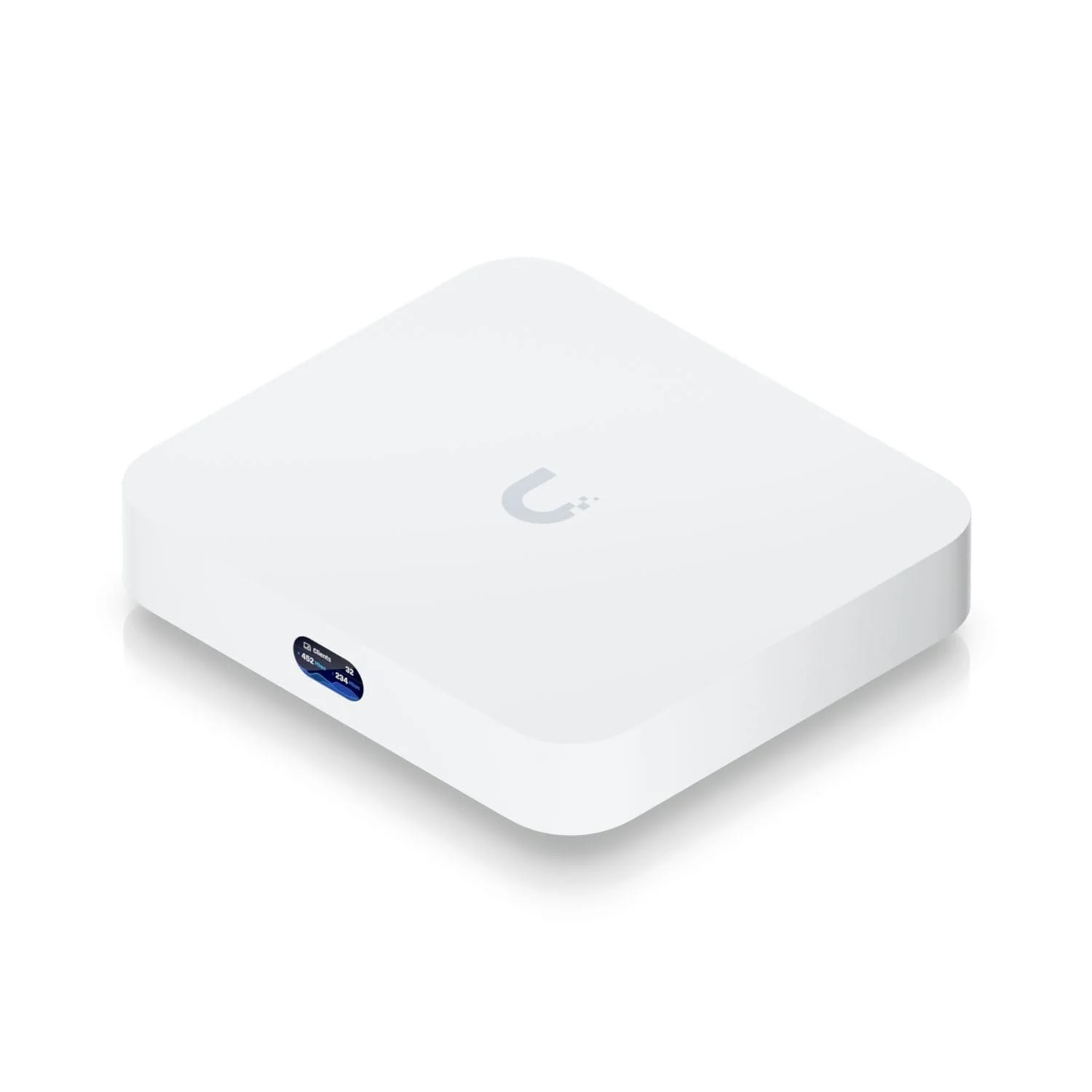
Cloud Gateway Ultra
Compact UniFi gateway installs for homes, small offices, and clean network upgrades.
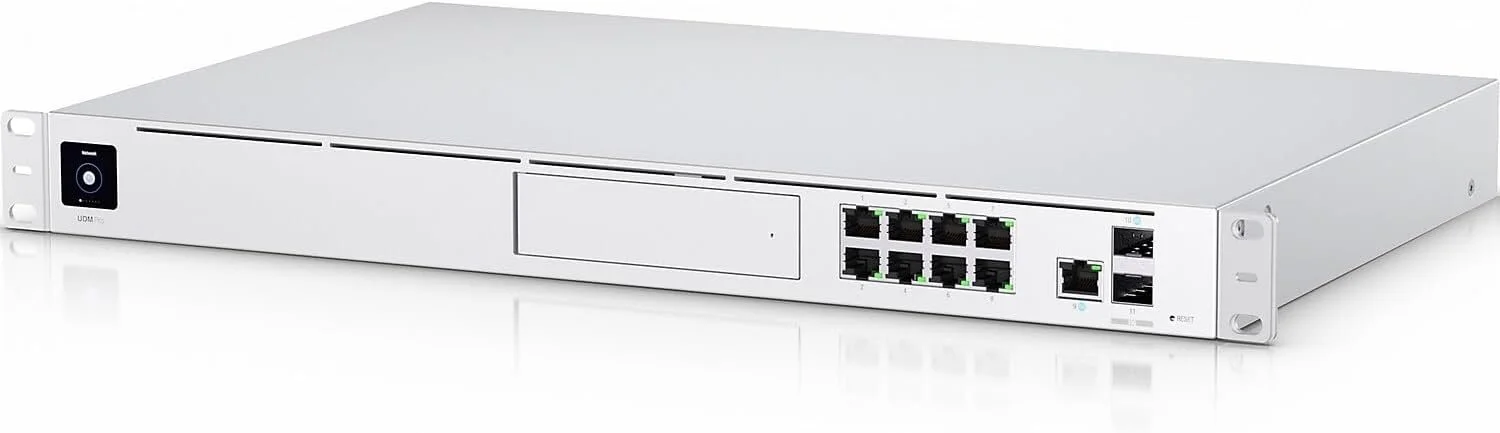
Dream Machine Pro
Rackmount UniFi gateway installation, adoption, updates, WAN setup, and controller configuration.
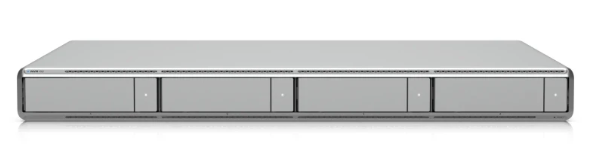
UniFi NVR
Protect recording setup, storage planning, hard drive installation, camera adoption, and retention review.
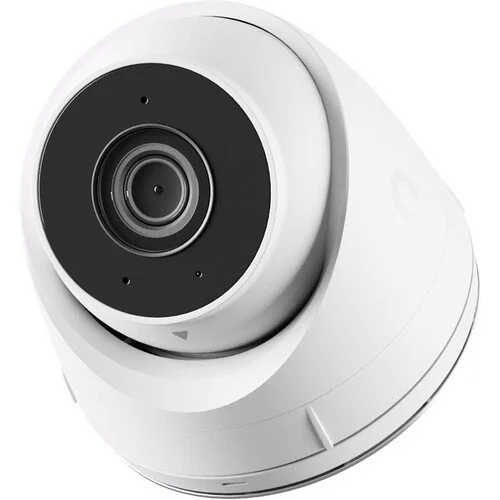
G5 Turret Ultra
Camera mounting, aiming, PoE connection, Protect settings, user access, alerts, and testing.
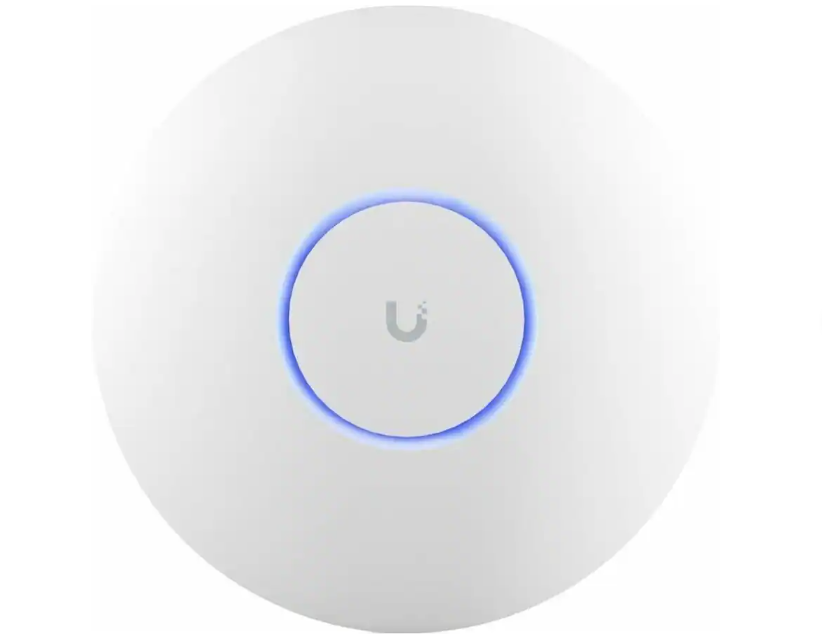
U7 Pro Access Point
Ceiling or wall-mounted Wi-Fi installation with hardwired backhaul and coverage testing.
UniFi WiFi and access points
Indoor access points, outdoor access points, ceiling-mounted APs, wall-mounted APs, WiFi upgrades, hardwired access point installs, coverage improvement, and roaming optimization.
Gateways, routers, and switches
Dream Machines, Cloud Gateways, Cloud Gateway Fiber, Cloud Keys, UniFi switches, PoE switches, rack-mounted gateways, switch adoption, and network configuration.
UniFi Protect cameras and NVRs
UniFi cameras, AI cameras, dome cameras, bullet cameras, turret cameras, floodlight cameras, doorbell cameras, ViewPort devices, NVRs, NVR hard drives, and Protect setup.
Racks, panels, and structured cabling
Rack-mounted equipment, wall racks, data panels, patch panels, structured media enclosures, Ethernet terminations, labeling, testing, switches, and PoE planning.
Additional UniFi ecosystem devices
We can install UniFi intercoms, Talk phones, EV chargers, LED lighting, Connect displays, and NAS devices when those devices are part of an appropriate UniFi project.
Software setup and testing
Adoption, site setup, SSIDs, guest networks, IoT networks, VLANs, firewall basics, multi-WAN failover, static IPs, security settings, firmware updates, alerts, and documentation.
We do more than mount hardware.
A UniFi installation should be planned as a complete network. That means the gateway, switches, PoE budget, access points, cameras, NVR, cabling, rack, VLANs, guest networks, IoT devices, and remote access all need to work together.
Bulletproof WiFi handles the physical install and the controller-side configuration so customers are not left with adopted devices that are still misconfigured, unstable, insecure, or difficult to manage.
Plan the topology
We look at the gateway, switches, APs, cameras, NVR, cabling, PoE load, rack space, and how the system needs to be managed.
Install and wire the equipment
We mount access points, install cameras, terminate Ethernet, clean up panels, install switches, and organize racks when needed.
Adopt and configure devices
We configure the UniFi site, network names, guest WiFi, IoT networks, VLANs, alerts, firmware, Protect settings, and user access.
Test before we leave
We verify WiFi coverage, network connectivity, camera views, recording, remote access, cabling, and key device performance.
Cameras, NVRs, recording, remote access, and view-only sharing.
UniFi Protect systems need more than camera mounting. The camera angle, network connection, recording settings, user permissions, storage, alerts, and remote viewing all matter.
Camera mounting and aiming
We install and aim UniFi cameras, including indoor, outdoor, turret, dome, bullet, AI, floodlight, and doorbell cameras where the wiring and mounting conditions support the installation.
NVR and recording setup
We install NVRs, configure storage, install supported drives, set recording preferences, review retention expectations, and verify that cameras are recording properly.
User access and privacy
We configure remote viewing, alerts, camera sharing, view-only access, privacy zones when appropriate, and basic Protect settings so the system is usable after installation.
UniFi works best when the wiring is done right.
Many UniFi systems depend on PoE switches, hardwired access points, wired cameras, rack-mounted equipment, and clean Ethernet terminations. We can run new Ethernet cable, complete data panels, install patch panels, mount racks, terminate cables, and test lines.
Our cabling offering stays consistent with our normal service rules. For example, we generally do not install new ceiling-mounted Ethernet cables on the first floor of two-story homes where the ceiling is not reasonably accessible.
Access points, cameras, switches, panels, and racks.
We install most UniFi equipment. A few items are outside our scope.
This is not because UniFi is too advanced. It is because certain access-control work crosses into door hardware, locksmith, low-voltage access control, life-safety, or building-security scope that should be handled by the right specialty contractor.
We do install
- ✓ UniFi gateways, routers, switches, Cloud Keys, and Dream Machines.
- ✓ Indoor and outdoor UniFi access points.
- ✓ UniFi Protect cameras, NVRs, doorbells, floodlights, and ViewPort devices.
- ✓ Intercoms, Talk phones, EV chargers, LED lighting, Connect displays, and NAS devices.
- ✓ Ethernet cabling, racks, patch panels, terminations, testing, and PoE planning.
We do not install
- – UniFi Access door systems.
- – Electric strikes or door-lock hardware.
- – Door modifications, locksmith work, or access-control hardware tied into doors.
- – Cable routes or mounting work that cannot be performed safely or cleanly within the property conditions.
- – VPN-heavy projects as a primary service offering.
How a UniFi installation usually works.
We start by reviewing the site, the network goals, and the UniFi devices involved so the gateway, switches, access points, cameras, NVR, rack, and cabling plan all work together cleanly.
Equipment plan
We review the planned UniFi system, device locations, cabling needs, PoE requirements, and configuration goals.
Install and cabling
We mount devices, run or terminate Ethernet where appropriate, install switches, organize racks, and connect PoE equipment.
UniFi setup
We adopt devices, configure networks, tune settings, create guest and IoT networks, set up Protect, and review access.
Testing and handoff
We verify connectivity, cameras, recording, remote access, WiFi, and key devices so the system is usable before we leave.
UniFi installation is billed at our normal hourly rates.
We install, configure, test, and document UniFi systems at our normal service rates. Pricing depends on the number of devices, cabling requirements, rack or panel condition, camera mounting, and configuration complexity.
What affects the install time?
Time depends on how many devices are being installed, whether new Ethernet needs to be run, the condition of the existing panel or rack, whether cameras need to be mounted and aimed, how many networks or VLANs are needed, and how much testing or documentation is required.
Simple UniFi installs can be fast. Full systems with gateways, switches, multiple APs, cameras, racks, cabling, NVRs, and Protect configuration naturally require more time.
Common questions before scheduling UniFi service.
Can you help plan a UniFi system?
Yes. We can provide paid consultation to review your layout, coverage goals, camera locations, cabling needs, rack setup, and UniFi configuration plan.
Can I estimate my UniFi installation cost online?
Yes. Our UniFi Project Estimator lets you enter the equipment and installation work involved and receive a preliminary labor estimate before scheduling service.
Can you install and configure UniFi systems?
Yes. We install, adopt, configure, test, and document UniFi gateways, switches, access points, cameras, NVRs, racks, and cabling.
Do you install UniFi cameras?
Yes. We install UniFi Protect cameras, NVRs, doorbells, floodlight cameras, AI cameras, ViewPort devices, storage, recording, and user access when the wiring and mounting conditions support the install.
Do you run Ethernet for UniFi devices?
Yes, where practical and accessible. We run and terminate Ethernet for access points, cameras, switches, racks, and panels. Some construction conditions limit what can be done cleanly or safely.
Can you configure VLANs and guest networks?
Yes. We can configure guest networks, IoT networks, VLANs, static IPs, multi-WAN failover, security settings, PoE planning, and UniFi controller settings.
Do you install UniFi Access door systems?
No. We do not install UniFi Access door systems, electric strikes, or door-lock hardware. We do install many other UniFi ecosystem devices.
Have UniFi equipment ready to install?
Call Bulletproof WiFi to schedule UniFi installation for access points, cloud gateways, switches, Protect cameras, NVRs, racks, Ethernet cabling, PoE planning, guest networks, IoT networks, VLANs, and complete UniFi setup.
Using UniFi for a business network?
We can help with UniFi access points, switches, gateways, VLANs, guest Wi‑Fi, subnet planning, QoS, printer connectivity, network racks, and cabling for small office environments.