
Short answer: for a large home, choosing mesh WiFi is less about finding the top-rated box and more about the design. You need enough units for the size and layout, units placed where you actually use WiFi, and wired backhaul wherever Ethernet is available or practical to add. A well-designed WiFi 6 system is still enough for most homes in 2026. WiFi 7 makes sense when your devices support it and your internet plan can use it.
This guide walks through how to choose, step by step. If you want our full equipment comparison, see the best mesh WiFi systems for 2026.
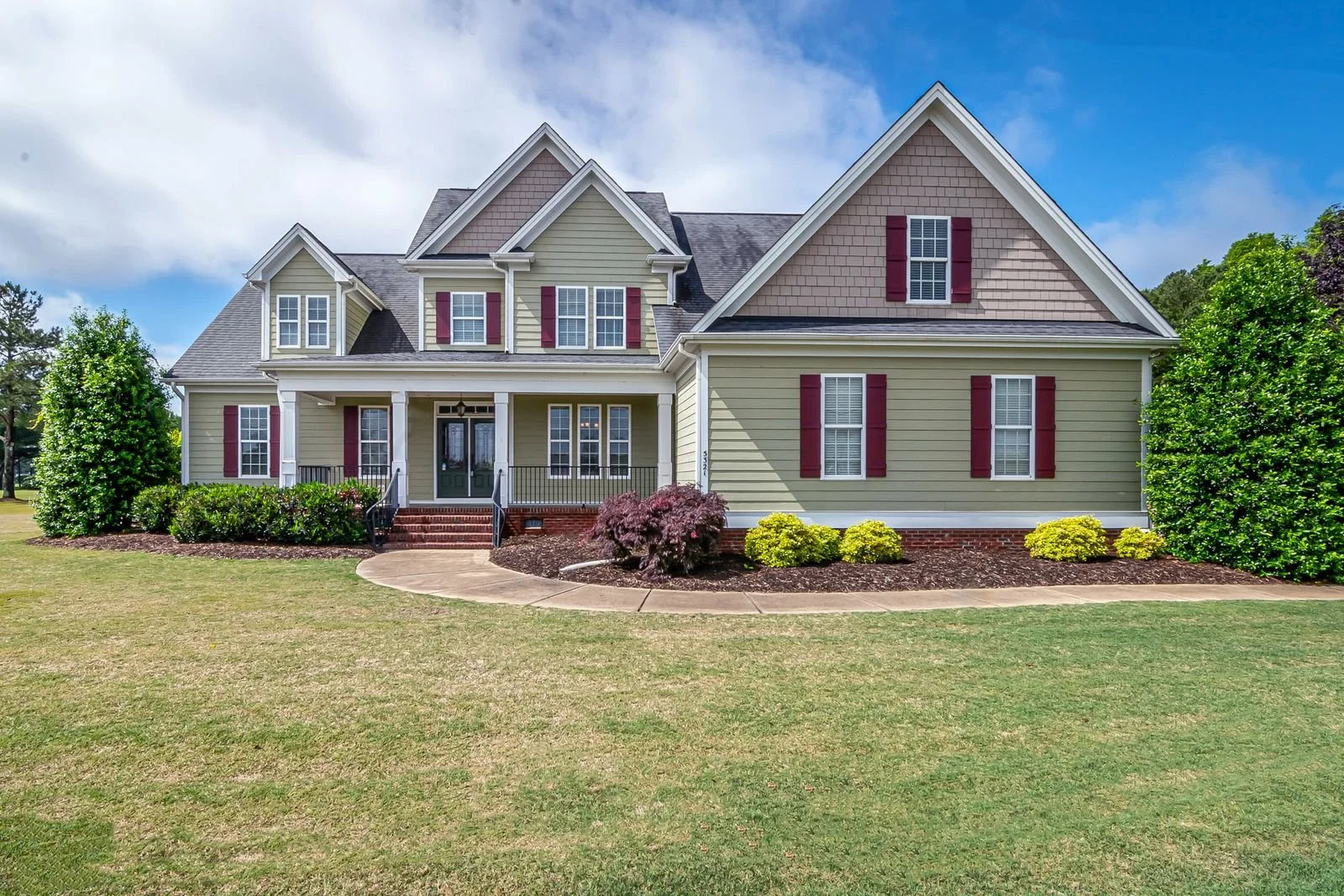
Why top-rated mesh kits often disappoint in large homes
Most mesh reviews test a kit in an average-size house or a test space. The coverage number on the box assumes open air, not brick, stone, tile, stairwells, and the floor between two stories. A three-pack that works well in a 2,500 square foot home can leave a 5,000 square foot home with weak rooms upstairs, at the far end of a long single-story layout, or out by the pool.
Large homes add other challenges too:
Bonus rooms over the garage, guest suites, and offices far from the internet connection
Patios, pools, and outdoor cameras that are not counted in the square footage
Dozens of connected devices: smart TVs, cameras, consoles, laptops, and smart-home gear
Neighboring networks competing for the same airspace
The fix is not usually a bigger or more expensive kit. It is a system planned for the home.
Step 1: Plan coverage, not just square footage
Bulletproof WiFi's general planning guideline is at least one access point per 900 square feet. That is a starting point, not a final answer. From there, adjust for:
Floors. Floors absorb more signal than most interior walls. Two floors of 2,500 square feet usually need a different design from one floor of 5,000.
Materials. Brick, stone, concrete, metal, and tile weaken WiFi.
Layout. Long, spread-out layouts and wings need more coverage points than a compact footprint.
Outdoor areas. Add the patio, yard, and pool if you want them covered.
Priority rooms. Home offices, media rooms, and game rooms deserve the strongest coverage.
More is not always better. Too many units can cause interference and roaming problems. For more detail, read how many access points a 4,000–6,000 square foot home needs.
Step 2: Decide how the units connect (backhaul)
Backhaul is the connection between each mesh unit and the main router. With wireless backhaul, units relay traffic over the air, which uses radio capacity and is affected by distance and walls. With wired backhaul, units connect over Ethernet, so the link back to the router does not depend on signal through walls. When possible, wired backhaul can make mesh WiFi dramatically more reliable.
You do not have to wire everything. Many good systems use wired backhaul where cable already exists and wireless backhaul where it does not. Many newer homes already have Ethernet in the walls that was left unfinished in the structured media panel, and data panel completion can put that wiring to work. New cable runs are an optional add-on, not a requirement.
Compare the two approaches in wired vs wireless backhaul for mesh WiFi.
Step 3: Choose the WiFi generation that fits
WiFi 6 is proven, widely supported, and fast enough for most internet plans.
WiFi 6E adds the 6 GHz band, which helps in crowded areas when your devices support it.
WiFi 7 is the newest standard. It costs more, and you only get the benefit with devices that support it.
If most of your phones, laptops, and TVs are a few years old, a well-placed WiFi 6 system will usually do more for you than a WiFi 7 kit in the wrong spots. See WiFi 6 vs 6E vs 7 and when WiFi 7 is coming out.
Step 4: Look past the spec sheet
Before you buy any system, check these points:
Enough units for your layout, with room to add more later
Ethernet ports on each unit, for wired backhaul and wired devices like TVs
One network name with smooth handoff as you move through the house
A guest network and a separate network for smart-home devices
Regular security updates
Which features, if any, require a paid subscription
Mesh or wired access points?
Mesh is not the only option. In some large homes, access points connected by Ethernet are the better choice. It depends on the wiring you have, the layout, and how much cabling makes sense. See mesh WiFi vs wired access points for large homes and the best WiFi setup for large DFW homes.
When to have it professionally installed
A DIY kit can be fine in a smaller, open home. Professional installation makes sense when you have already tried a kit and still have dead zones, when your home has Ethernet jacks that do not work, when you need outdoor coverage, or when reliable video calls and streaming really matter.
Here is how Bulletproof WiFi handles it. You book the install. We come out and do an on-site network assessment and signal testing, plan the equipment around your priority areas, install all of it, and review the finished install with you.
Most service is billed at $199/hr. For a complete new whole-home system: Average cost $600 to $1,200, depending on the size of the home, the cabling needed, the equipment, and the complexity of the job. See what whole-home WiFi installation costs, or use the Mesh WiFi Calculator for an estimate before anyone comes out.
We install mesh WiFi across North Texas, including Dallas WiFi installation, Plano WiFi installation, Frisco WiFi installation, McKinney WiFi installation, and Allen WiFi installation.
Mesh WiFi for large homes: common questions
How many mesh units does a large home need?
Start with at least one access point per 900 square feet, then adjust for floors, materials, layout, and outdoor areas. A 4,500 square foot home starts at about five, and the final number depends on the home.
Is WiFi 7 mesh worth it in 2026?
Only if your devices support WiFi 7 and your internet plan can use the extra speed. For most homes, placement and backhaul matter more than the generation.
Do I need Ethernet for mesh WiFi?
No. Mesh works without it. But wired backhaul, where cable exists or can practically be added, usually makes the system more reliable, especially at the units farthest from the router.
Will every room get the same speed?
No system delivers identical speed in every room. Speed still varies by room, distance, and device. A good design gives you reliable WiFi where you need it.
Can you install a mesh system I already bought?
Yes. We are happy to install and configure customer-owned equipment at our normal hourly rate, but we cannot guarantee the result with equipment we did not choose.
Get mesh WiFi designed for your home
Stop fighting your WiFi. Let us build it right. Call 469-261-7000 or get a mesh WiFi installation estimate. Read our customer reviews.